Batch convert sample rate, bit depth, and channels
SampleStack converts whole folders of samples to the format a destination needs. Pick a hardware collection or a transcode preset and every file is checked, then resampled, converted, mixed to mono or widened to stereo, and renamed as required. Your source files are left as they were.
Validation first, then conversion
Every sample gets a badge against its destination: green when it is ready, orange when it needs converting, and red when something cannot be fixed automatically, like a filename the device will not accept. You can see what a folder needs before you copy anything.
When you copy samples to a collection, a preview lists which files will be copied as they are, which will be converted, and which will be skipped and why.
What gets converted
Sample rate is resampled to the target rate using SoX. Bit depth is converted to 16-bit, 24-bit, or 32-bit float. Stereo is mixed to mono, or mono is copied to both channels, depending on what the device expects. Samples longer than a device's limit can be truncated, and files that are already right are copied untouched.
Sample rate explained and 32-bit float explained cover when each setting matters.
Transcode presets
When you are not loading a specific device, a transcode preset is a saved format you can apply in one click: 48 kHz 24-bit stereo WAV for a video project, for example, or 44.1 kHz 16-bit mono for an older sampler. You can make and edit your own.
Device profiles for more than 40 instruments
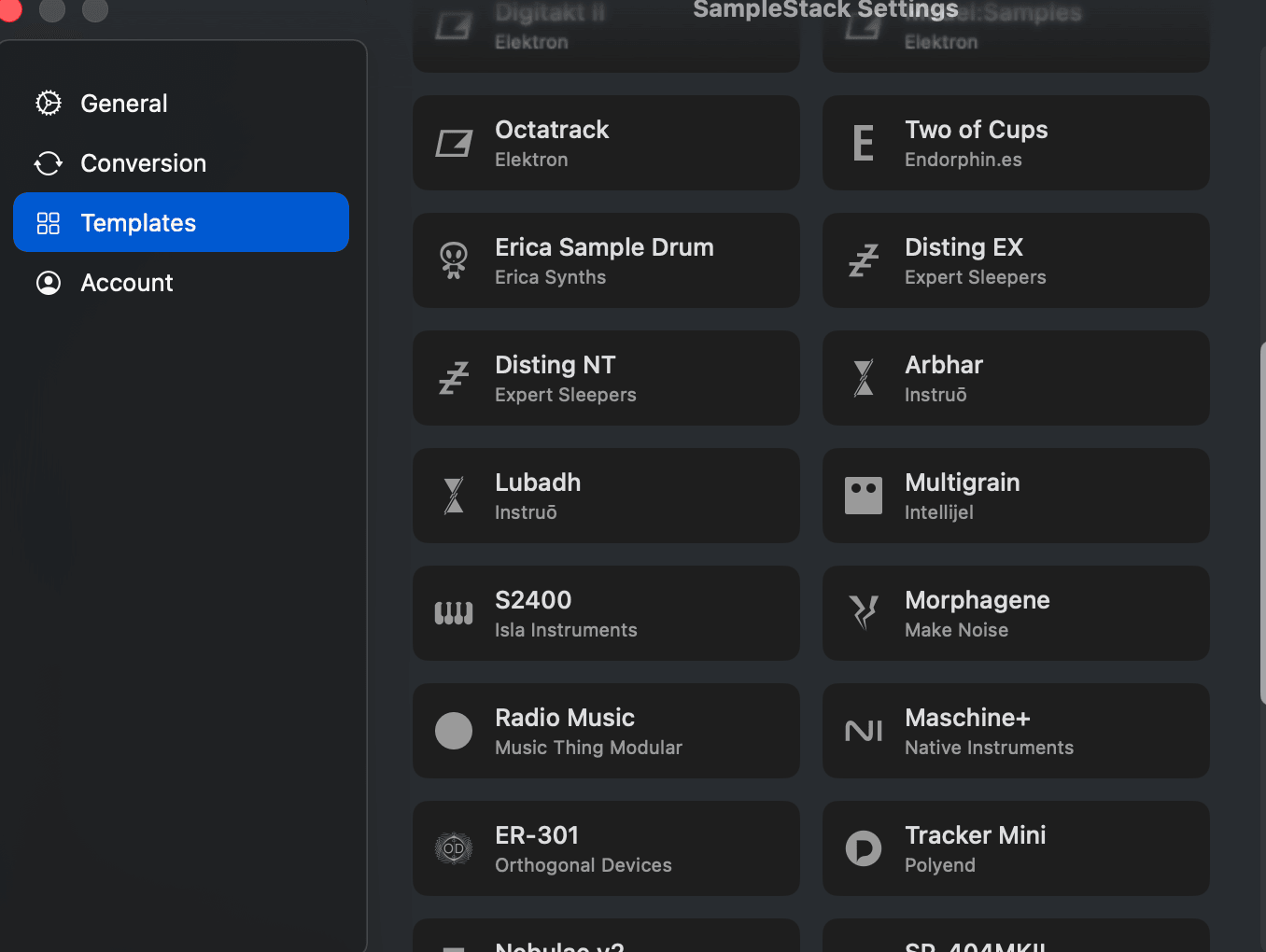
SampleStack knows the rules for more than 40 hardware samplers and Eurorack modules, from the Squid Salmple and Octatrack to the SP-404MKII and MPC, including folder layout and filename rules. The instruments directory lists each one's requirements, and Compare formats puts them side by side.
Input formats
SampleStack reads WAV, AIF and AIFF, FLAC, MP3, M4A, OGG, and raw audio, plus ReCycle REX loops. That covers downloads from Splice, Loopcloud, ADSR, and most sample pack stores, as well as field recordings and old CD-ROM libraries.
Further reading
More features
- Sample library manager Browse, tag, rate, and search every sample you own in one window.
- BPM and pitch detection Loops arrive with their tempo read. One-shots arrive with their root note.
- Drag into your DAW A companion window that sits beside Ableton Live, Logic Pro, or FL Studio.
- Sample editor and slicer Chop, slice, fade, and loop samples without leaving the browser.
Batch sample converter FAQ
Short answers to what people ask about this part of SampleStack.
Can SampleStack batch convert a folder from 44.1 kHz to 48 kHz?
Yes. Copy the folder to a collection whose target is 48 kHz, or apply a transcode preset, and every file that needs it is resampled. Files already at 48 kHz are copied as they are.
Does batch conversion overwrite my original samples?
No. Conversion writes new files into the destination collection. The source library is not changed.
Can SampleStack convert stereo samples to mono?
Yes. When a destination wants mono, stereo files are mixed down during the copy. When it wants stereo, mono files are copied to both channels.
Have another question? Drop us a line or visit the help page.
Stop wrestling with sample formats.
Get SampleStack.
Try free for 7 days. No credit card required.
Get SampleStack